

Installation#
Estimated reading time: 3 minutes
Stable#
The latest stable release of geovista is available on conda-forge
and PyPI, and can be easily installed:
$ conda create --name myenv --channel conda-forge geovista
$ conda activate myenv
 Consult the
conda
Installation
instructions.
$ pip install geovista
Consult the pip
Installation
instructions.
$ pixi init myenv
$ cd myenv
$ pixi add geovista
Consult the pixi
Installation
instructions.
$ uv pip install geovista
Consult the uv
Installation
instructions.
Additional package dependencies will be required by some of the
geovista gallery Examples. If these are required
then instead install the latest stable release as follows:
$ conda create --name myenv --channel conda-forge geovista pip
$ conda activate myenv
$ pip install geovista[exam]
$ pip install geovista[exam]
$ pixi init myenv
$ cd myenv
$ pixi add python
$ pixi add --pypi geovista[exam]
$ uv pip install "geovista[exam]"
Latest#
If you simply can’t wait for the next stable release of geovista, then
install the latest development version from the main
branch:
$ conda create --name myenv --channel conda-forge pip
$ conda activate myenv
$ pip install git+https://github.com/bjlittle/geovista.git@main
$ pip install git+https://github.com/bjlittle/geovista.git@main
$ pixi init myenv
$ cd myenv
$ pixi add python
$ pixi add --git https://github.com/bjlittle/geovista.git geovista --branch main --pypi
$ uv pip install "git+https://github.com/bjlittle/geovista.git@main"
Developer#
To configure a full developer environment, first clone the
geovista repository:
$ git clone git@github.com:bjlittle/geovista.git
Change to the geovista root directory of the cloned repository:
$ cd geovista
Now install geovista and all its dependencies:
$ conda env create --file requirements/geovista.yml
$ conda activate geovista
$ pip install --editable .[all]
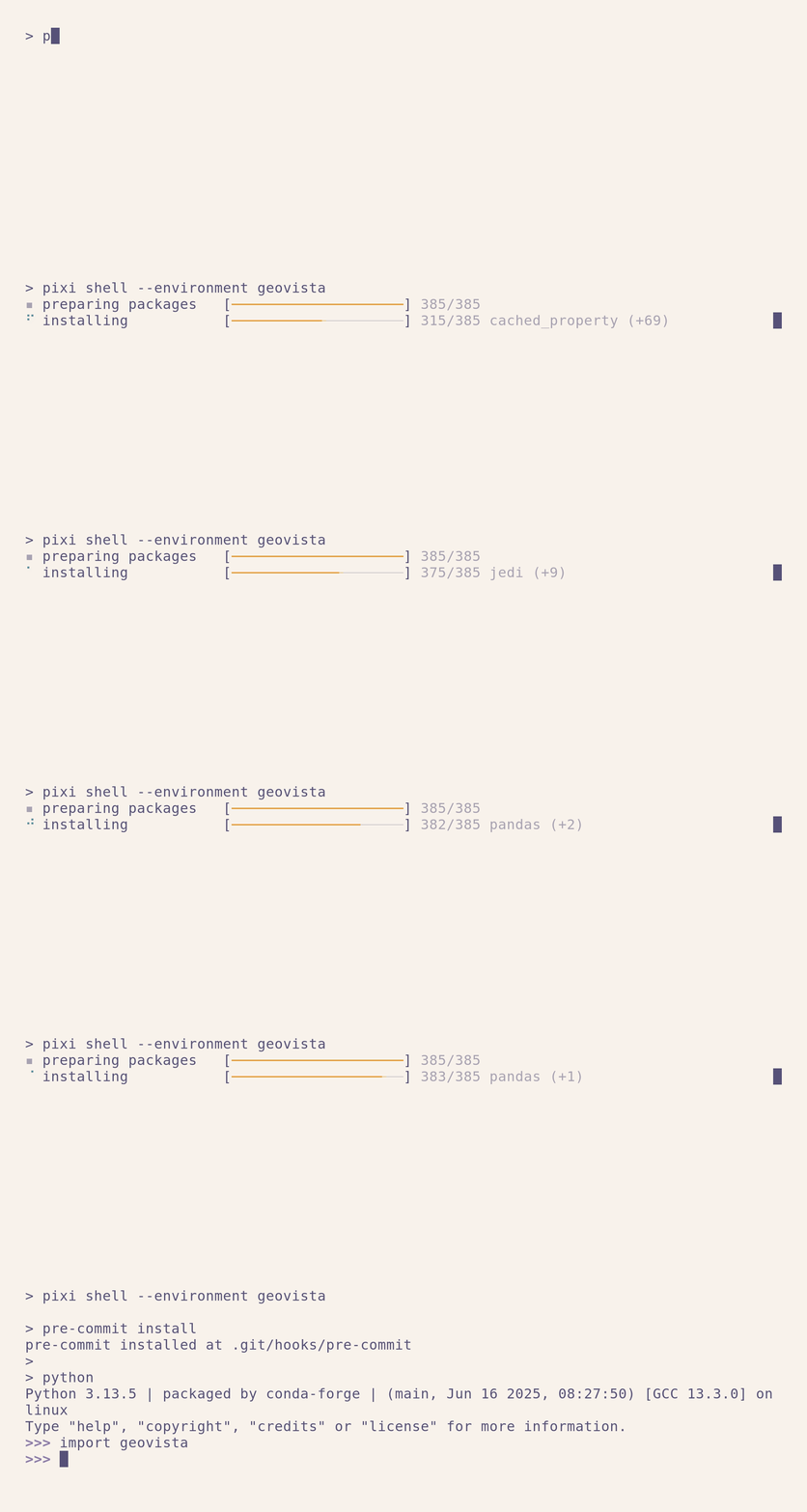
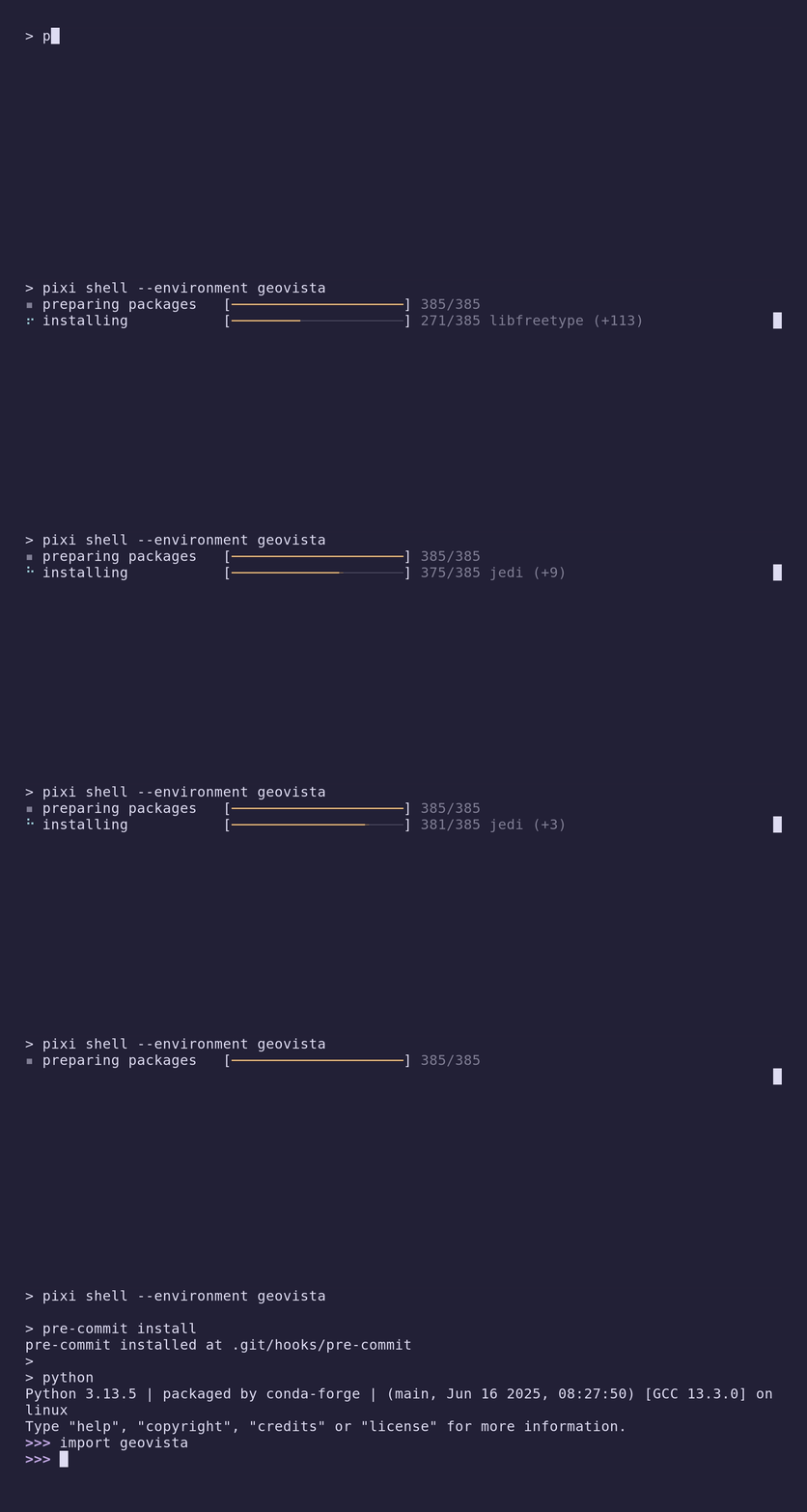
$ pixi shell --environment geovista
$ uv pip install --editable ".[all]"
For extra credit, install our developer pre-commit git-hooks:
$ pre-commit install
Note
The mypy hook needs pixi.
It type checks against the locked geovista environment, where the
third-party types are real rather than Any, so it needs pixi on
your PATH whichever route you took above. Without it the hook fails
with “Executable pixi not found”.
Finally, you’re good to roll 🥳