
-0.6.0.dev1062-gold?style=flat)
インストール#
Stable#
最新の geovista の 安定版リリース は conda-forge と PyPI にあり、簡単にインストールできます:
$ conda create --name myenv --channel conda-forge geovista
$ conda activate myenv
conda
Installation
instructions.
$ pip install geovista
pip
Installation
instructions.
$ pixi init myenv
$ cd myenv
$ pixi add geovista
pixi
Installation
instructions.
$ uv pip install geovista
uv
Installation
instructions.
Additional package dependencies will be required by some of the
geovista gallery 例. If these are required
then instead install the latest stable release as follows:
$ conda create --name myenv --channel conda-forge geovista pip
$ conda activate myenv
$ pip install geovista[exam]
$ pip install geovista[exam]
$ pixi init myenv
$ cd myenv
$ pixi add python
$ pixi add --pypi geovista[exam]
$ uv pip install "geovista[exam]"
Latest#
If you simply can't wait for the next stable release of geovista, then
install the latest development version from the main
branch:
$ conda create --name myenv --channel conda-forge pip
$ conda activate myenv
$ pip install git+https://github.com/bjlittle/geovista.git@main
$ pip install git+https://github.com/bjlittle/geovista.git@main
$ pixi init myenv
$ cd myenv
$ pixi add python
$ pixi add --git https://github.com/bjlittle/geovista.git geovista --branch main --pypi
$ uv pip install "git+https://github.com/bjlittle/geovista.git@main"
Developer#
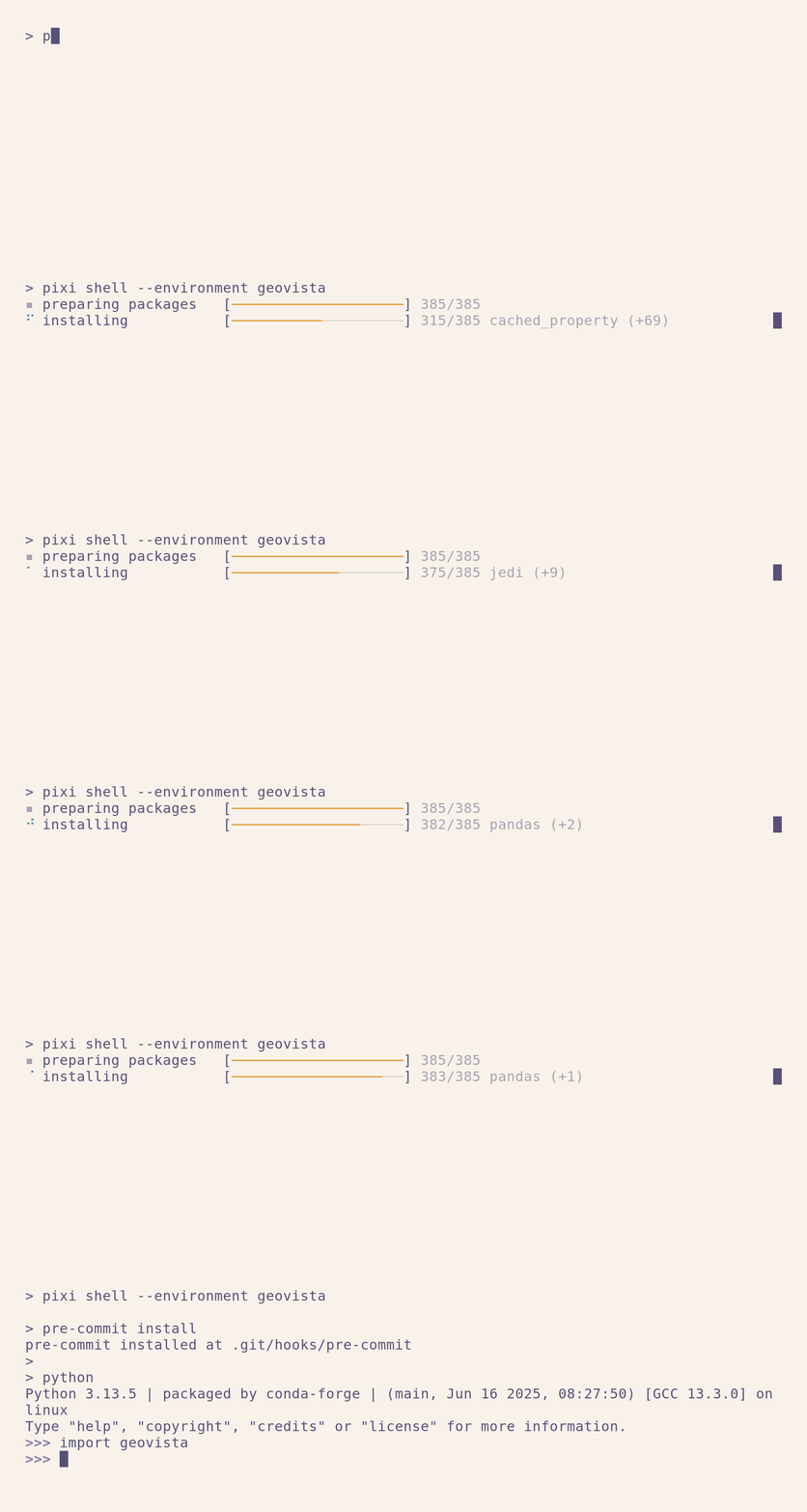

To configure a full developer environment, first clone the
geovista repository:
$ git clone git@github.com:bjlittle/geovista.git
Change to the geovista root directory of the cloned repository:
$ cd geovista
Now install geovista and all its dependencies:
$ conda env create --file requirements/geovista.yml
$ conda activate geovista
$ pip install --editable .[all]
$ pixi shell --environment geovista
$ uv pip install --editable ".[all]"
おまけに、開発者用の pre-commit git-hooks をインストールしてください:
$ pre-commit install
ついに、あなたはロールすることができます🥳