
-0.6.0.dev1078-gold?style=flat)
キーバインド#
Tip
詳細は pyvista keyboard bindings も参照してください。
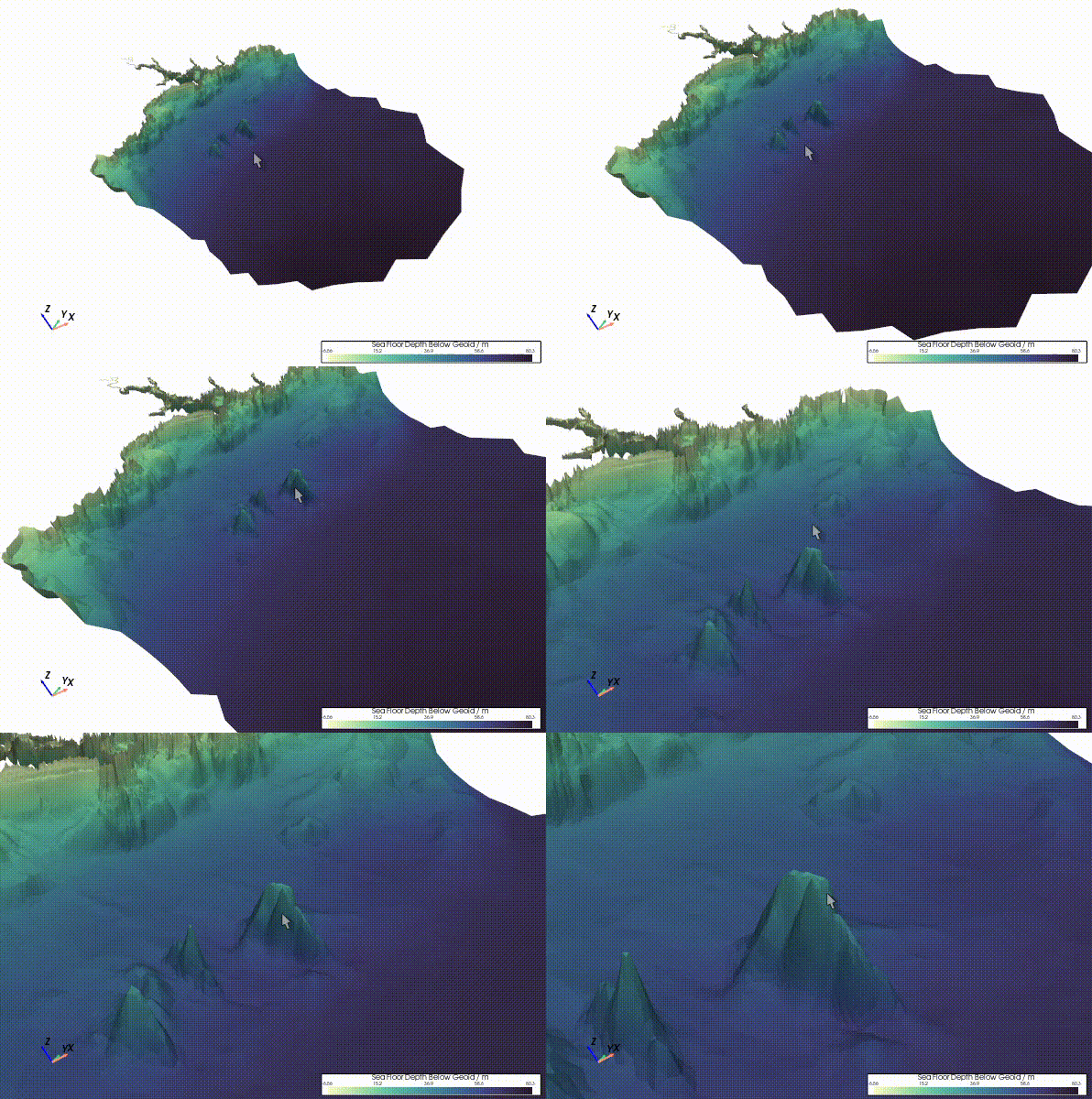
レンダリングシーンをコントロールする主要なキーボードとマウスのバインディング。
+ |
Action |
例 |
|---|---|---|
f (Qt) |
ピントを合わせ、ズームする。 |
|
q |
Quit the rendering window. |
|
r |
Reset the camera. |
|
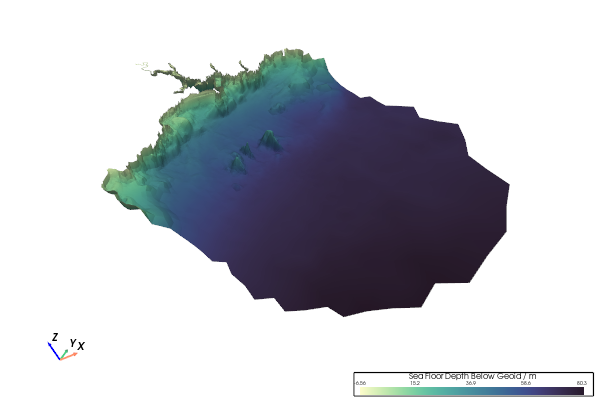
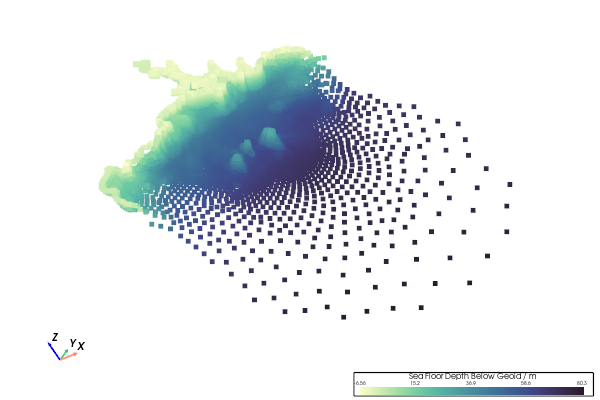
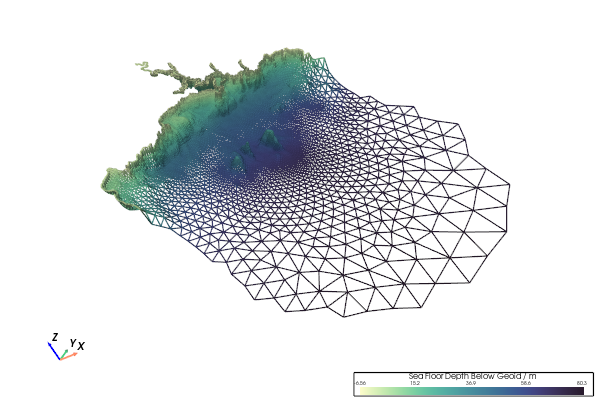
s |
Render scene using |
|
v (Qt) |
Snap to isometric camera view. |
|
v (Trame) |
シーンを |
|
w |
シーンを |
|
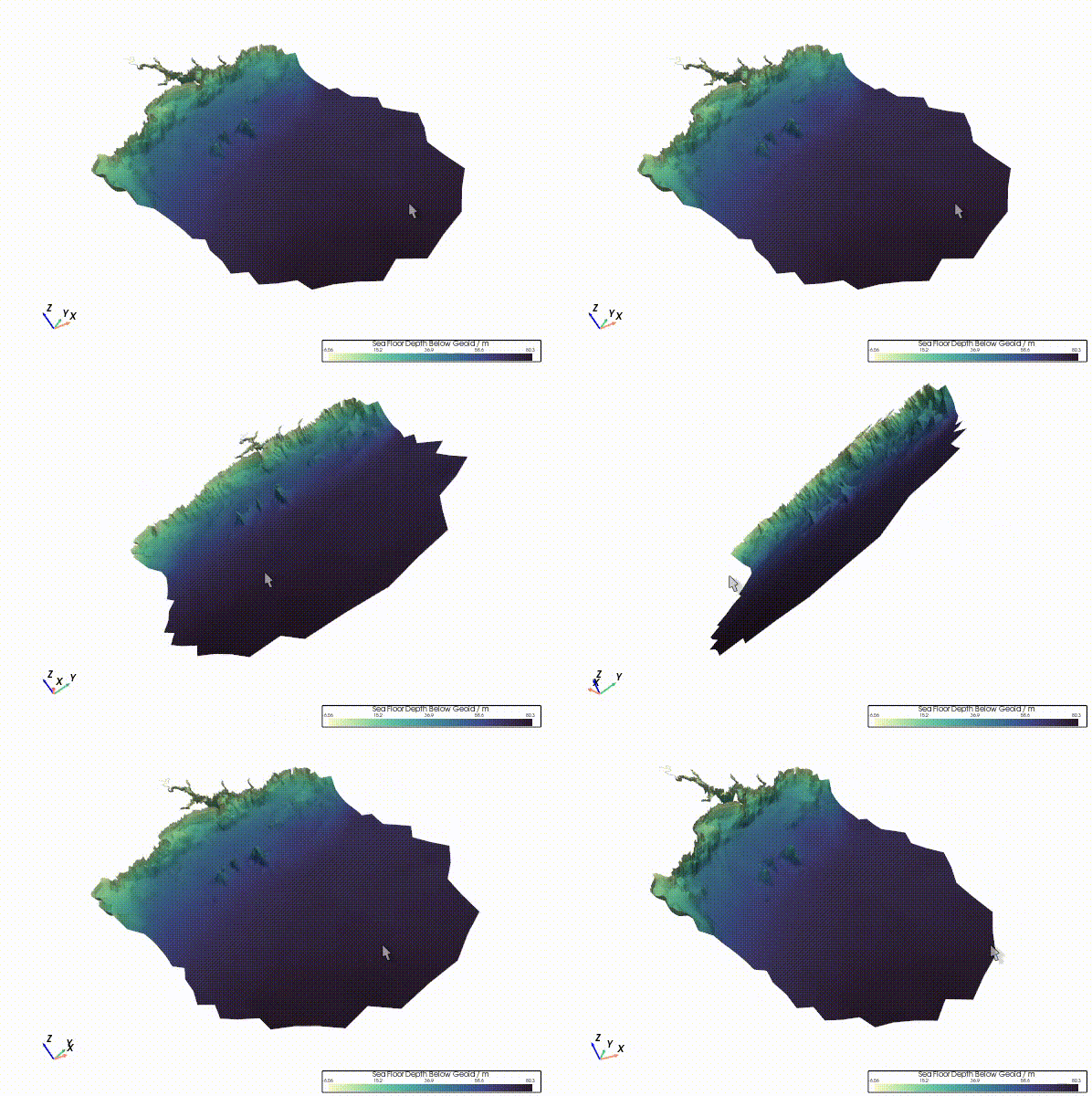
L-Click |
Rotate the rendered scene in 3D. |
|
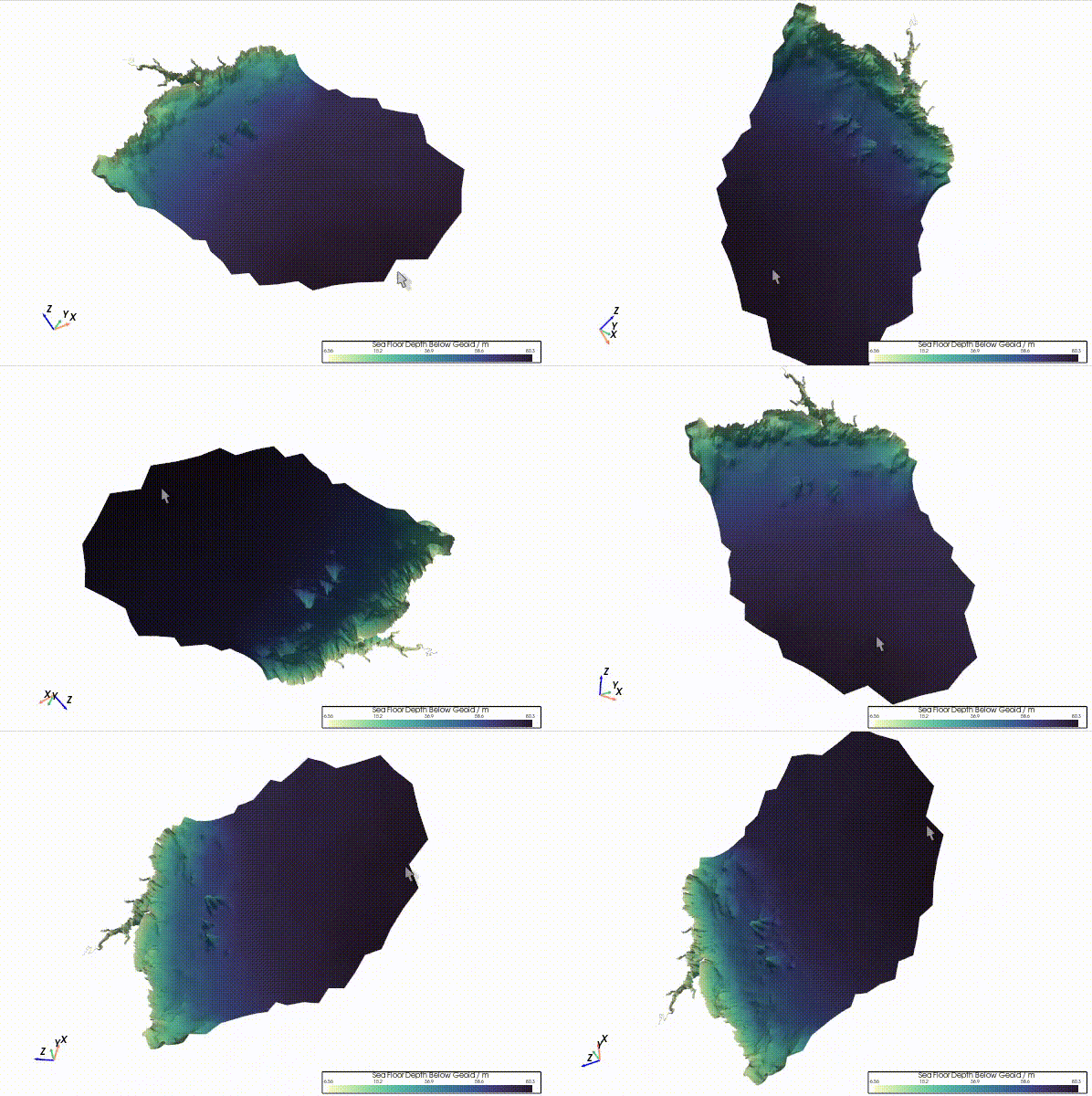
Ctrl + L-Click |
Rotate the rendered scene in 2D (view plane). |
|
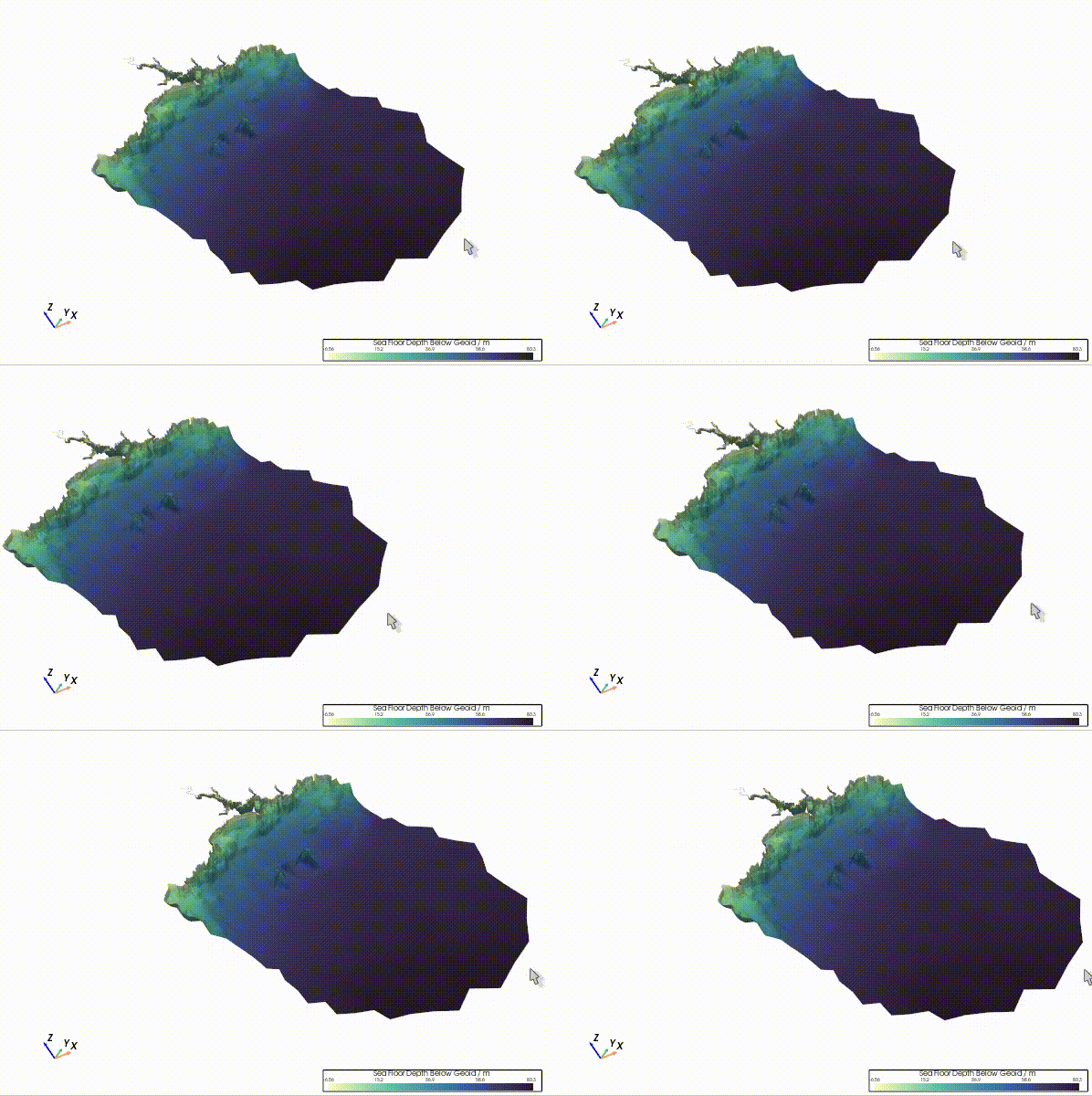
Shift + L-Click or M-Click |
Pan the rendered scene. |
|
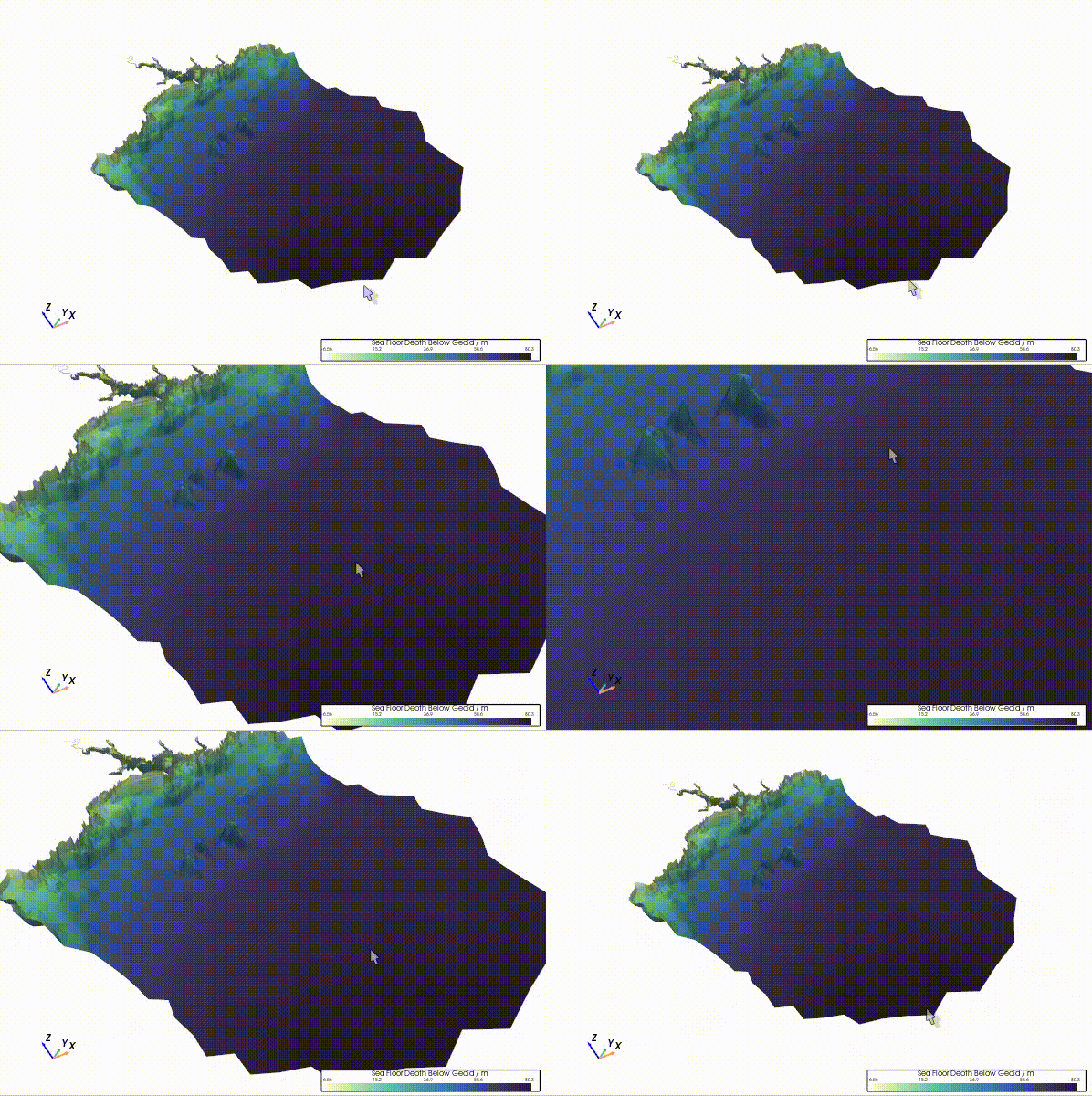
Mouse-Wheel or R-Click† |
Continuously zoom the rendering scene. |
|
† - not Trame
+ |
Action |
例 |
|---|---|---|
f (Qt) |
ピントを合わせ、ズームする。 |
|
q |
Quit the rendering window. |
|
r |
Reset the camera. |
|
s |
Render scene using |
|
v (Qt) |
Snap to isometric camera view. |
|
v (Trame) |
シーンを |
|
w |
シーンを |
|
Click |
Rotate the rendered scene in 3D. |
|
⌘ + Click or Ctrl + Click |
Rotate the rendered scene in 2D (view plane). |
|
Shift + Click |
Pan the rendered scene. |
|
Mouse-Wheel or R-Click |
Continuously zoom the rendering scene. |
|